
Whalemate changelog
🐋 Whale Product Updates · 28.05.2026
🚀 Nuevas funcionalidades
⚙️ Settings
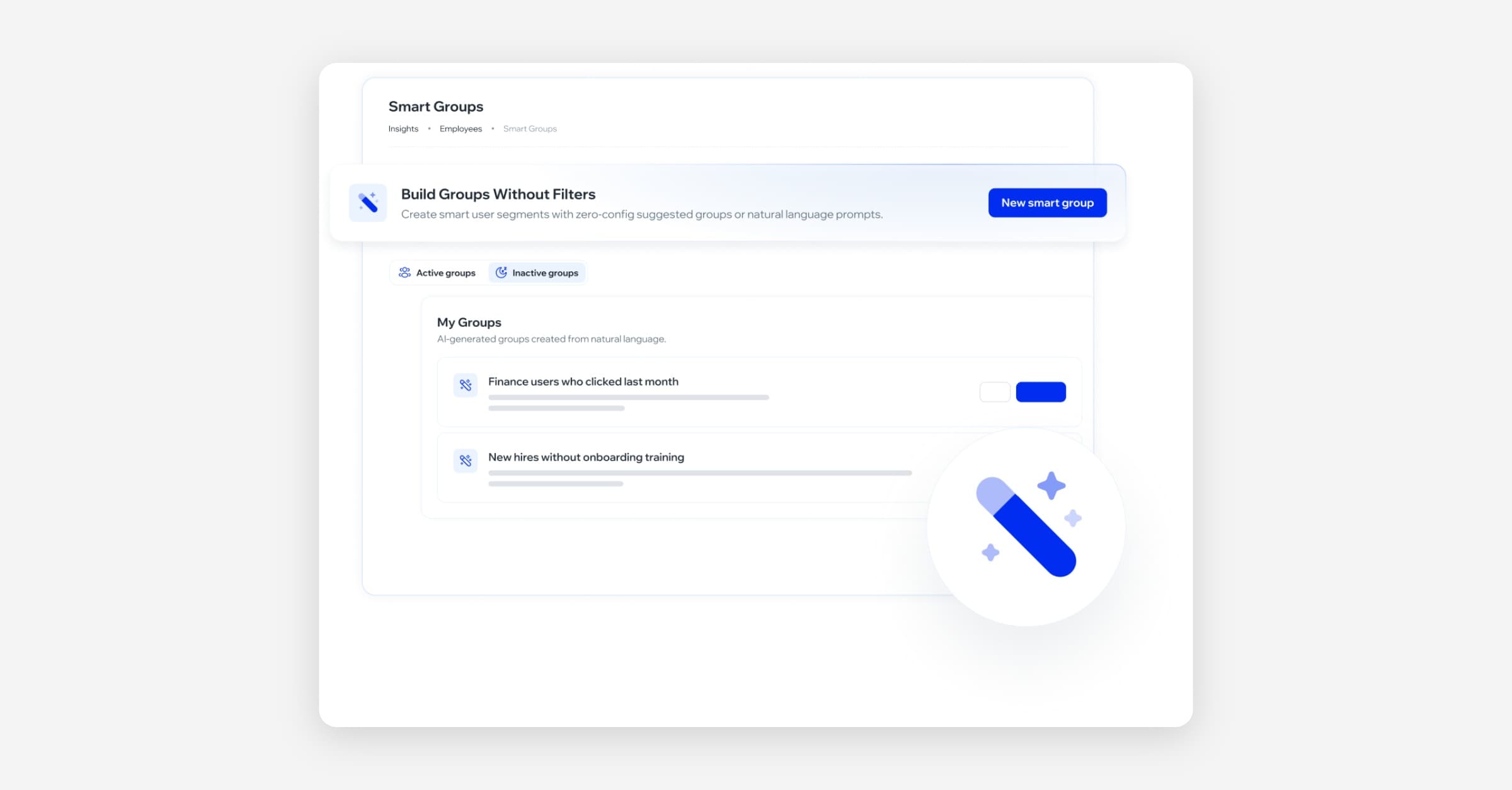
🧠 Grupos Inteligentes: creación por lenguaje natural y gestión completa (Beta)
Ahora puedes crear grupos de audiencia describiendo en lenguaje natural quiénes quieres incluir (por ejemplo, "colaboradores de Argentina”). La plataforma interpreta el texto y genera el grupo automáticamente, mostrando una previsualización con los colaboradores que cumplen la condición antes de confirmar.
Desde la misma pantalla puedes excluir colaboradores individualmente con un motivo, deshacer la exclusión si cambias de idea, y verificar en tiempo real cómo queda la audiencia final. El listado de grupos inteligentes existentes ahora incluye acciones para editar, eliminar y activar o desactivar cada grupo según necesites.
🔬 Esta funcionalidad está en Beta. Consultá la documentación para saber más, o contactate con tu referente de CX para solicitar acceso anticipado.
✨ Mejoras
🚀 Campaigns
🎯 Las métricas de campaña ahora reflejan el comportamiento real del empleado
Cuando un empleado identifica y reporta un correo de phishing simulado, cualquier interacción posterior con ese mismo correo —como abrir un link o ingresar credenciales— ya no se registra en las analíticas. Esto elimina una inconsistencia que podía hacer aparecer a un empleado como "caído" en la simulación aun cuando ya la había detectado correctamente.
Los empleados que hicieron clic antes de reportar siguen apareciendo como comprometidos, sin ningún cambio en ese comportamiento.
🎨 Platform / UX
🌐 El idioma y país de los colaboradores ahora se heredan correctamente desde la empresa (solo Google Workspace)
Cuando una organización tiene integración con Google Workspace, el idioma y el país de los colaboradores se toman ahora automáticamente de la configuración de la empresa, en lugar de asignarse siempre en español por defecto.
Además, si el valor ya fue definido manualmente para un colaborador, la sincronización con Google Workspace respeta ese ajuste y no lo sobreescribe.
🐛 Correcciones
🎓 Awareness — Academy
✉️ Nombre de empresa en correos de expiración de Learning Path
Se corrigió un error por el cual los correos enviados al vencer la inscripción a un Learning Path no incluían el nombre de la empresa. A partir de ahora, estos correos se muestran de forma consistente con los correos de expiración de cursos individuales.